I was given a dockerfile with a suite of bioinformatics and statistical programming tools by Sam White with a few bugs with the integration of R in Jupyter notebook.
First was caused by a peculiarity of the R interpreter. Most programming languages, like perl and python, happily accept
an input of perl <script name>, however R is not so nice. It has R for opening up the console window and programming
and Rscript for running premade scripts. This quick change fixed the first problem of getting Jupyter notebook to recongize
the presence of an R kernel.
Secondly, one of the packages required for R integration in to Jupyter notebook, IRkernel, expects to have access to the X11
display libraries, which aren’t native to a docker container, and a bit of a pain to integrate. A workaround is to install the
Pango cairo text rendering libraries, which IRkernel and R also know how to use, via apt-get install libpango1.0-dev -y.
Through another peculiarity of R, the Cairo libraries have to be present on the system prior to the compiling and configuration of R so
there was no way to do this without rebuilding the docker image. A bit of a pain.
Now to the good stuff, a functionong R interpreter in Jupyter notebook!
First, run an interactive container instance via docker run -it -p 8888:8888 -p 8787:8787 dockerfile.bio`

Next, fire up your Jupyter notebook
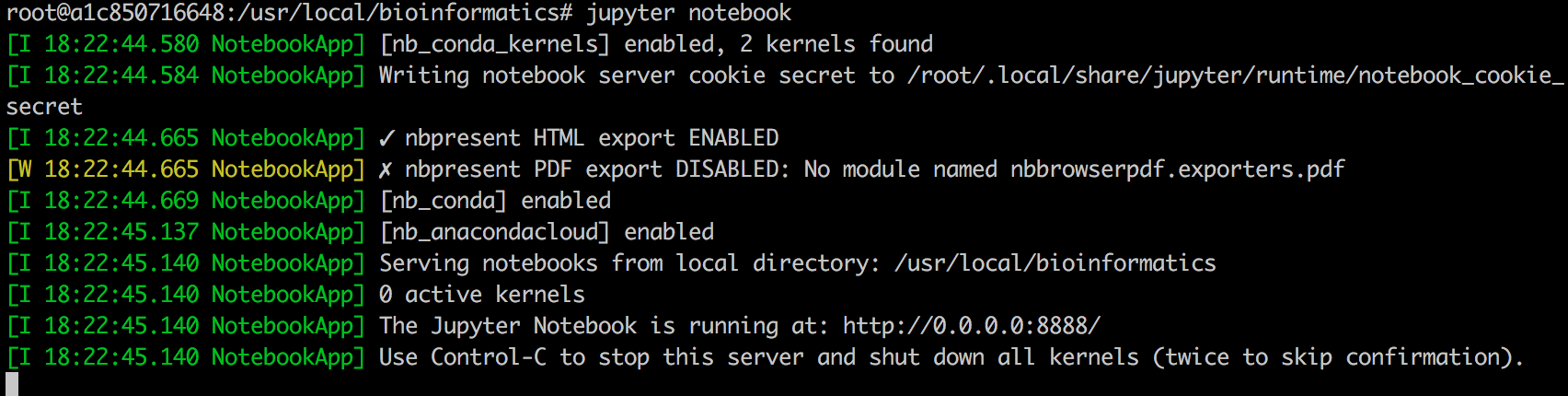
Navigate to localhost:8888 in your favorite web browser to be greeted with
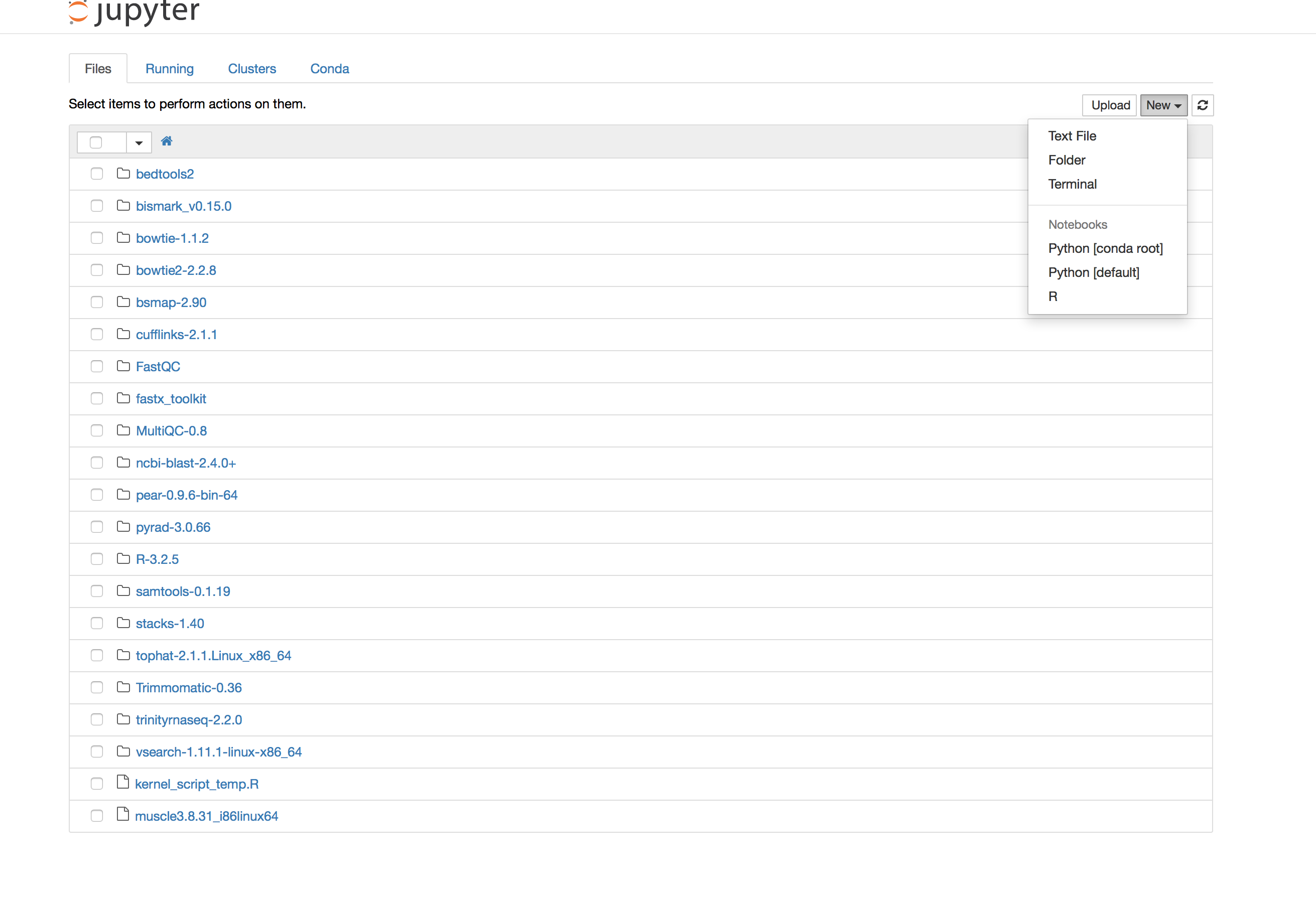
notice that pretty R in the new notebook options
Test!
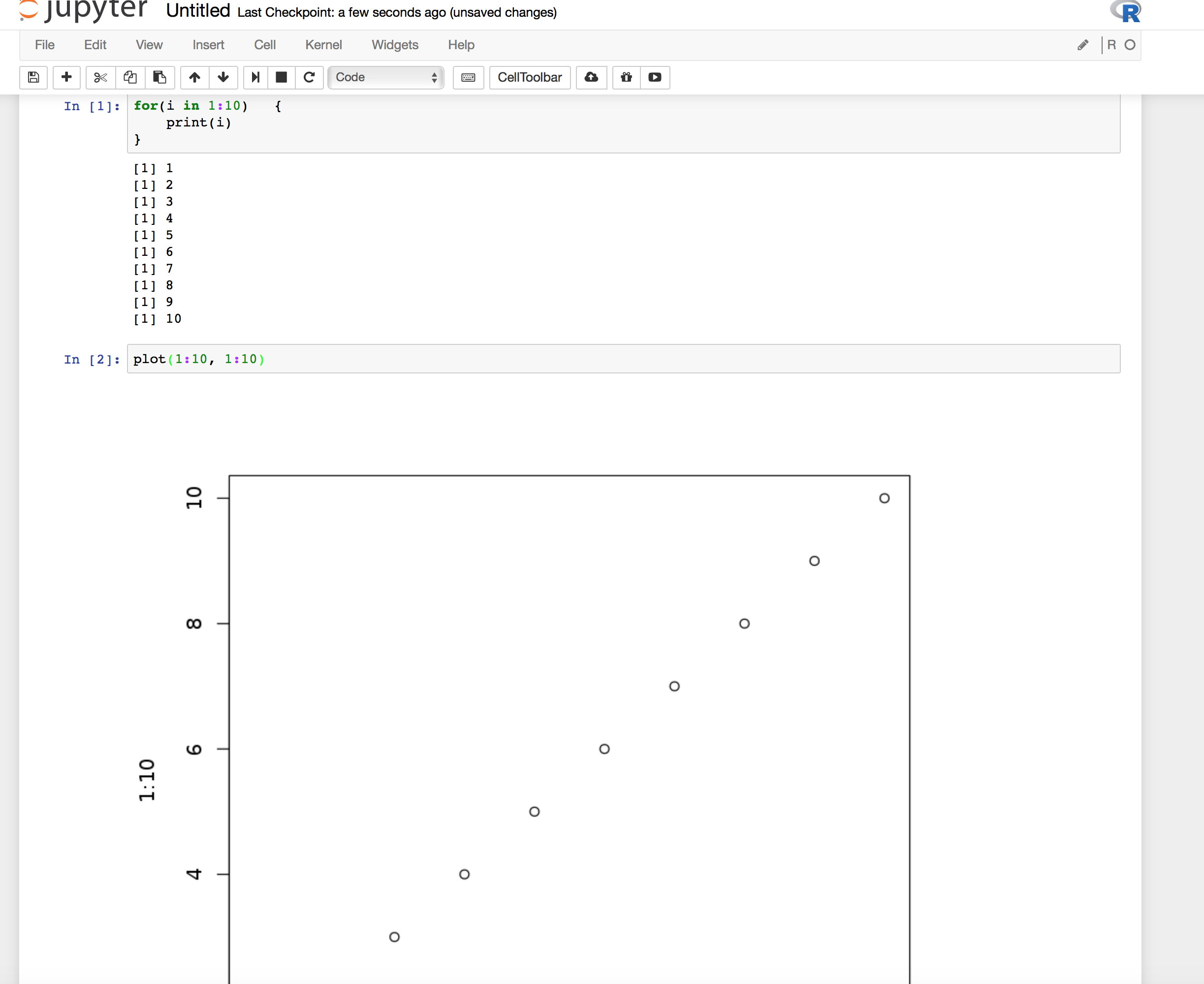
Huzzah!